WebGPU: turning the browser into a practical 3D workspace
Configurators, technical training and visual tools: WebGPU opens up new possibilities for web applications. The key is choosing which problem deserves that power.
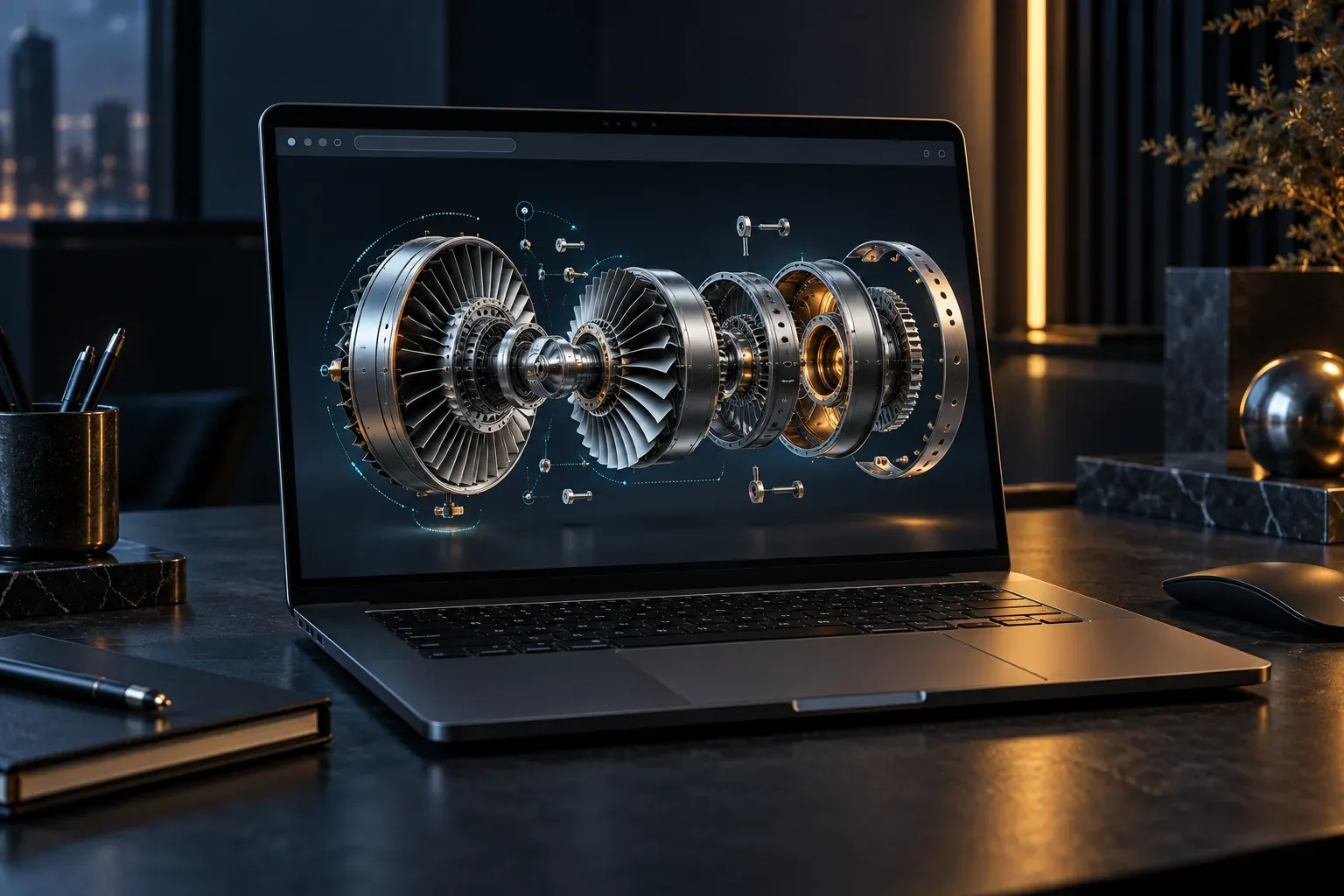
Imagine a manufacturer sending a link to a distributor. Opening it lets them take a machine apart virtually, locate a part, compare variants and prepare a technical enquiry about the selected component. All inside the browser.
Other web technologies already made this type of application possible. What makes WebGPU interesting is the room it offers for more demanding graphics and computation. Turning that capacity into a useful tool, however, takes considerably more than enabling a new engine.
What changes with WebGPU
WebGPU is an API that uses the device's GPU to draw graphics and perform calculations. Alongside rendering, it supports general-purpose computation through GPU programs known as compute shaders. The GPU for the Web explainer describes how this differs from WebGL's approach.
For someone commissioning an application, the relevant question is which interaction could improve. Rotating a complex assembly? Exploring many parts at once? Recalculating a visual representation when its parameters change? Define the task before choosing the technology.
A more capable API gives the team more options; it does not automatically make an application faster.
Three projects worth prototyping
A configurator that supports decisions
Consider modular furniture. Changing a chair's colour can be handled by a simple solution. A system combining modules, accessories, finishes and assembly restrictions calls for a different level of interaction.
The prototype should answer the buyer's questions: what fits, how much space it occupies and which combination they are reviewing. The 3D view has a clear purpose when it makes those relationships understandable. Business rules, prices and availability still need their own logic and validation.
Technical training for equipment
A training application could let someone isolate a casing, identify connections and work through an assembly sequence. Each step should connect the visible part to an instruction they can follow.
We would first test whether a person can locate the correct component. An impressive animation adds little if it obscures the point of interest or requires them to memorise difficult controls. What the user understands is part of the tool's quality.
Exploring spatial information
Another possibility is reviewing a facility with many selectable elements. A manager may need to filter areas, compare alternatives and save a view to share with a colleague.
Before loading every detail, decide what appears initially, what becomes visible on closer inspection and what information that person actually needs. An interactive 3D model can provide a starting point for designing that experience.
The customer's device is part of the project
Compatibility depends on the combination of browser, operating system and hardware. Chrome's WebGPU overview covers implementations and links to support tracking. A broad promise that something “works on any device” therefore needs to become a list of tested equipment.
For a commercial application, we would propose three levels:
- Full experience: every planned interaction on validated devices.
- Reduced experience: less detail or fewer effects while retaining essential tasks.
- Informational alternative: images, specifications and a useful enquiry form if the viewer cannot start.
The budget should account for these alternatives. The team also needs to decide how users retain their selection if they switch views or reload the page.
Moving from WebGL requires an application review
Engines such as Babylon.js maintain both WebGL and WebGPU support. Its WebGPU documentation explains asynchronous initialisation and links to implementation differences. That support does not make every existing application an automatic migration.
To assess a project, we would list custom materials, effects, dependencies and essential functions, then choose a representative scene. The comparison should reveal whether a visual improvement also brings longer loading times, errors or additional maintenance work.
Keeping an existing viewer can be a sound decision if it already meets the business need. Adopting WebGPU makes sense when it addresses an identified limitation or enables a feature worth the effort.
What to measure before approving full development
A useful pilot should use a real project model and a task users will actually perform. In the manufacturer example, that might mean locating a part and sending an enquiry containing its reference.
We suggest agreeing on these checks:
- First interaction: how long it takes to use the scene after opening the link.
- Response during the task: whether selection, rotation and part changes remain smooth.
- Extended sessions: how the device behaves after several minutes, particularly on laptops and phones.
- Recovery: what happens when loading is interrupted, the user changes tabs or the viewer restarts.
- User outcome: whether people finish the task without assistance and understand what they selected.
Agree on thresholds for the project's devices and audience. We would not propose a universal frame-rate target or an improvement percentage without measurement.
The opportunity is the tool you build
WebGPU can contribute to a new generation of product, training and visual exploration applications. Its value emerges when 3D content, the interface and business rules work together to solve a recognisable task.
The best first delivery may be small: one assembly, one main interaction and one decision the user can make with greater clarity. That test provides a more useful basis for expanding the project than an effects-heavy demonstration.
At Viseni, we combine application development and interactive experiences with 3D visualisation. Have a configurator, technical tool or viewer in mind? Tell us what the user needs to do, and we can outline a prototype with clear validation criteria.