
Local-first applications: when work cannot wait for a connection
An inspection should not stop when reception disappears. Explore how apps can save on the device first and synchronise later, while making conflicts visible and keeping data usable.
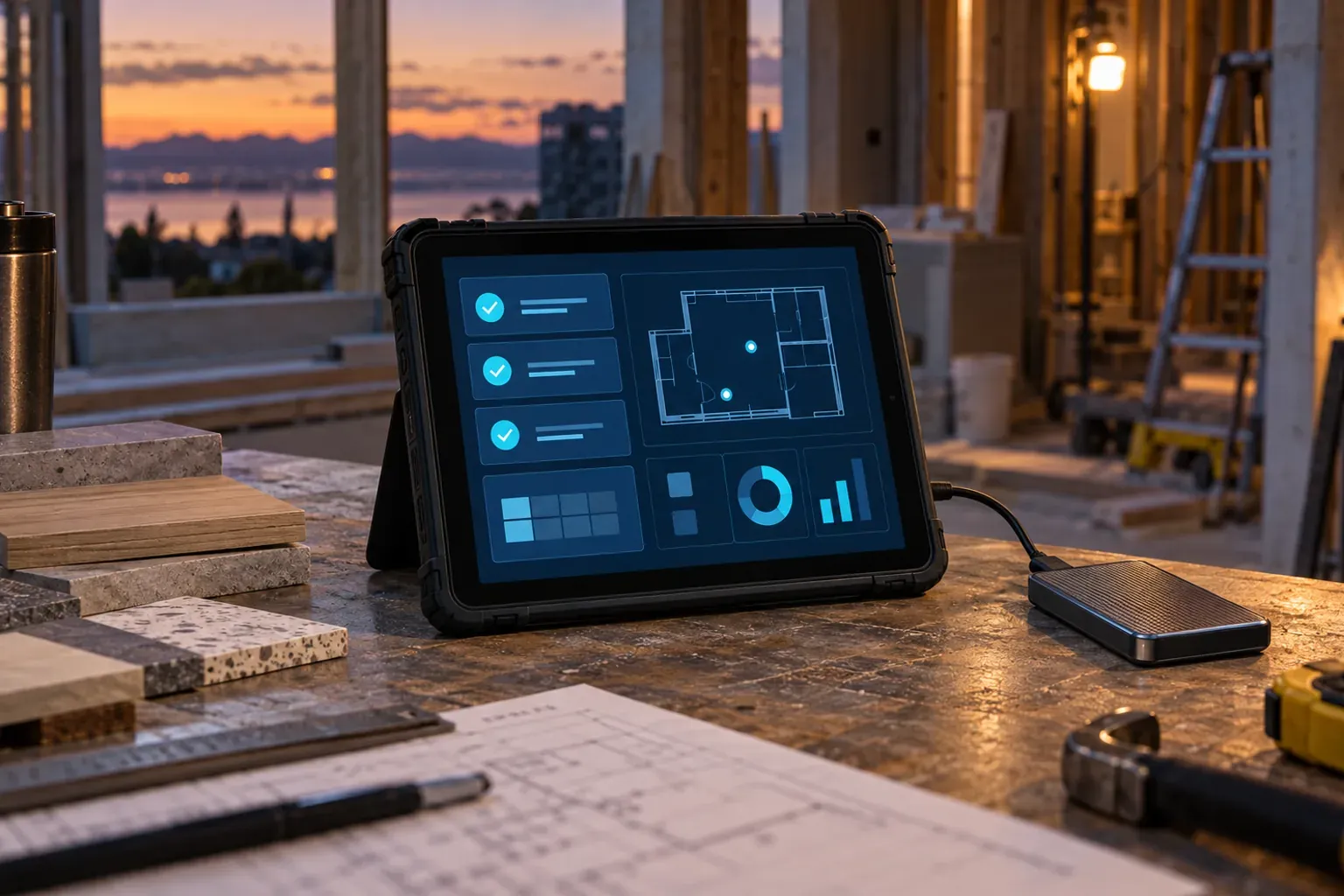
A technician enters a building's basement, spots a defect and opens an app. They attach a photograph, write a note and press save. Reception disappears. The screen keeps waiting.
It looks like a connectivity problem, but it is also a design decision: a task that could happen on the device now depends on a remote server.
Local-first design lets work continue where the person is. For inspection, maintenance and site-visit applications, that choice changes the whole experience, from the first tap to the final report.
What makes an application local-first
In a local-first application, the device holds a working copy of the data. Synchronisation shares changes when a connection is available. Ink & Switch's local-first software paper connects this approach with collaboration and user control of information.
In practice, saving an observation can finish locally before anything is sent. Displaying a cached screen is insufficient: essential actions must work too.
Each project needs clear boundaries. Opening a downloaded case may be possible; opening a case that has never been synchronised probably will not be.
The experience starts before reception disappears
Consider an application for checking finishes in newly built homes. Before leaving, the technician selects a development and downloads their assigned units, floor plans, forms and reference material. The app confirms what is ready and how much space it takes.
During the visit, each defect receives an identifier, a location, photographs and a description. The technician can correct a detail, close the application and return to their work after reopening it.
Preparation deserves a proper interface. A download button with no progress information leaves people guessing. A list of ready units, outstanding resources and the date of the latest downloaded plan is more useful. This also separates availability from freshness: a plan can be stored successfully and still be out of date.
Let people inspect that material before they travel. Finding a missing floor plan at the office is far less disruptive than finding it outside a locked door at the site.
Saved, synchronised and reviewed are different states
A generic success message can conceal three different situations: a change exists on the device, it has reached the shared system, or someone has approved it.
For a fieldwork application, we suggest making the following states explicit:
- Saved on this device: the information has been stored locally.
- Waiting to synchronise: it still needs to reach the shared workspace.
- Synchronised: the transfer has been confirmed.
- Review needed: a discrepancy requires a decision.
There is no need to interrupt every action with a notification. A persistent indicator with accessible details may be enough. A failed local save is different: the warning must be immediate, because the person should not leave believing their observation is safe.
Photographs need particular care. A text entry may have reached the shared system while its attachments are still waiting. The report's status should make that distinction visible before anyone treats the report as complete.
Synchronisation needs rules for disagreements
Two technicians may edit the same defect while disconnected. One marks it as resolved; the other attaches evidence that it remains open. Receiving both changes does not, by itself, establish the right outcome.
CRDTs are data structures designed to combine distributed changes. Automerge's property conflict handling can retain concurrent values while displaying one deterministically. That technical convergence does not establish which state is correct for the business.
In this example, a sensible workflow could preserve the photographs, display both assessments and ask the responsible person to review them. Other fields may suit an automatic rule. These decisions belong in the design before synchronisation is implemented.
Not every project needs a complex collaborative system. Assigning each report to one editor and recording later reviews can make a first version considerably simpler to build and understand.
Local data still needs protection and a way out
Keeping information close to the user does not automatically make it secure. The design should address shared devices, access locks, encryption where appropriate, and recovery when equipment is lost.
Web applications face another constraint: browser storage has quotas and may be cleared under browser policies. MDN documents storage persistence and eviction. Requesting persistent storage does not provide a backup.
For our inspection team, we would define an export containing records, original photographs and the relationships between them. A PDF is useful for reading a report; a structured format makes its information easier to reuse.
The practical test is to export a case and reconstruct it outside the application. If the result is only a picture of a screen, the team's control over its information remains limited. Export quality should be part of acceptance, alongside the interface people use every day.
How to decide whether the investment makes sense
Before building the entire tool, test one complete workflow with a small selection of reports and the devices people actually carry:
- Prepare the material and switch on airplane mode.
- Record defects, attach photographs and restart the application.
- Make a contradictory change from a second device.
- Reconnect and inspect transfers and disagreements.
- Export the result and check that it makes sense outside the system.
Measure how long a save takes to confirm, what information is missing and how often someone has to repeat an action. Lack of reception should be an ordinary test condition. Include an interrupted upload, too: the technician needs a clear route back to completing the report.
A reservation against shared inventory or a central authorisation may still need a connection for confirmation. Identifying these exceptions lets a product combine local independence with shared controls, without promising that every operation will always be available.
If your team needs to work on construction sites, in facilities or during technical visits, tell us about the workflow you want to improve. At Viseni, we can explore which tasks should complete on the device and how to turn those requirements into a useful application.